Learning Center › Smartphones, Mobile Devices and Apps
How to Set Up a VPN On Your Smartphone (Plus, Why You Need One In the First Place)
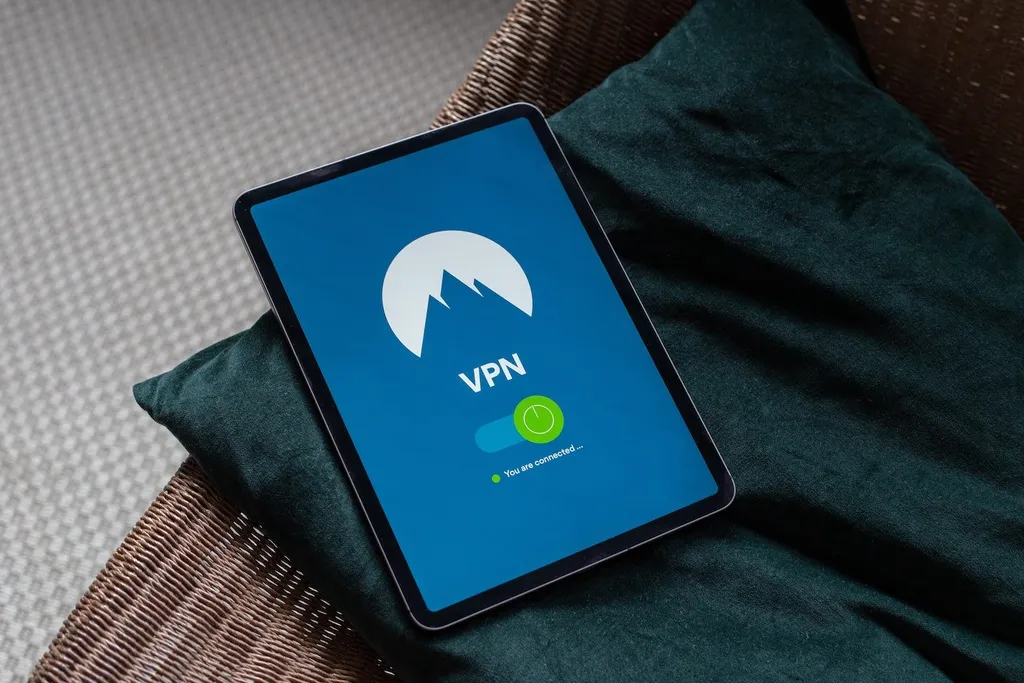
Privacy is becoming more and more of an issue in the world today.
Before the days of smartphones and laptops, when the old box computers were still an enigma to most, you didn’t have this constant worry that you were being spied on or that someone was able to hack into your device and steal our data or personal information.
Today, however, it’s a constant struggle to make sure that you are always completely protected against hackers and internet thugs who can’t keep their fingers out of your smart devices. When you browse online you leave behind a clearly visible footprint for anyone with the right skills to be able to follow.
Especially so on your smartphone, which goes everywhere with you and which you use on public networks or open Wi-Fi zones when the need arises, not to mention that so much of our personal lives are kept on our phones for ease of use …
So how do you protect yourself against being spied on?
A really simple answer to this burning question is to set up your smartphone with a VPN. What is a VPN, you ask? Well, quite simply it is a Virtual Private Network that allows you to keep your entire browsing private whenever you decide to surf the web.
Why Do You Need One?
Some people might be okay with their browsing history not being private, and perhaps others might not care too much that they’re exposed and vulnerable whenever they surf the internet, but there are those who don’t appreciate being kept under surveillance.
Every computer and smart device has what is known as an IP (Internet Protocol) address.
Your ISP (Internet Service Provider) is able to track all your movements online if you do not have a VPN. What’s more, in this money-driven and scam-ridden world we live in, even your Internet Service Provider can record and sell your data to advertising companies. This is one of the reasons why you might get a lot of spam calls or emails etc.
And it is for this reason that we strongly advise that you equip your smart devices (especially your smartphone) with a VPN. What’s more, having a VPN will limit the danger of connecting to a public Wi-Fi and will supply you with much greater security by providing you with anonymity.
VPN’s are currently being used to get past geographic restrictions, as well as to hide true location and also to watch streaming networks such as Hulu. However, it all depends on the type of VPN which you are using. It is advisable to take note of the following — while VPN’s are awesome, there is a need to make a careful selection and use wisdom when installing your VPN.
The reason for this is that there are free VPN’s out there that contain malware and others that leak your private information and still more that use tracking libraries. While you may not be eager to pay for a VPN on a monthly basis, there are quite a few bargains out there for secure VPN’s and you can choose whether or not you want to pay on a monthly basis or annually.
So, as you can see, even looking for a good VPN can be challenging …
But it is certainly possible to find a reliable one that will meet your needs.
How Does It Work?
In a nutshell, having a VPN gives you the ability to access the internet by securely routing your connection through to a secure server, which successfully hides your online activities.
How it works is pretty simple. You will start up your VPN software from your VPN provider and then before any dark web thug has the chance to blink, your data is all encrypted. Your encrypted data then gets sent to the VPN and the VPN then sends it on out to the online destination — whether it be YouTube or Netflix or even your online banking.
Your online destination will not see the data as coming from your real location, but rather from the location of the VPN server. This ensures much greater security for you, especially if you are doing online banking or other work of a sensitive or personal nature. Your personal information will stay safe and secure and your ISP will not be able to access your information at all.
How to Set Up a VPN on a Smartphone
Now that you know what a VPN is and why you need to get one, let’s take a look at how to set up a VPN on your smartphone. That is, after you have decided which VPN to get. Since you will be setting up the VPN on your smartphone you will need to make sure that you get one that is compatible and will work on your smart device.
Whether you are using an Android device or an iPhone, the process is basically the same. First, you will need to open your Play Store or Apple Store and search for the VPN application which you want to use.
Next, tap on Install and allow the program to install on your smartphone. Once you have finished installing the application on your device, you can open it up and start the registration process. Do so by tapping on the green button that says Open.
You will be asked to sign up and register by entering all your details such as email address and also a password. Once you have done this you will then be able to log in to your account. The first time that you open up your new VPN app, you will be asked to provide your login details.
You will also be asked to confirm your email address, so be sure to check your emails (and also your junk email folder if it hasn’t gone to your main email inbox) so that you don’t miss it. Once you have confirmed your login details you can then start to use your new application.
Simply navigate to your home screen and then open up the application and tap on the red circle above the heading Tap to connect. You will clearly be able to see whether or not you are connected as the app will tell you. If you would prefer to change your server location, you can do so by tapping on the Current Location box and then you will be able to choose from the drop down menu.
The application automatically allocated a location to you based on your own server location. However, some people would prefer to change their location if they are looking to bypass geographic restrictions for streaming purposes.
After this, you are good to go — as you can see, it is a really easy and simple setup process. For the most part, this process is the same for most Android and iPhone users, although it may differ slightly depending on the version of smartphone you have.
Getting the Most Out of Your VPN
Now that you have your VPN up and running, how can you ensure that you are getting the most out of it? Well, we have a few tips for you to help you to get the most out of your VPN:
- Change locations when shopping online — Some online stores will block purchases from other countries due to concerns about credit card fraud etc. You can easily bypass this by simply changing the location on your VPN so that the online store thinks you are shopping from their country.
- Avoid bandwidth throttling — By using a VPN you are able to avoid the frustration of your ISP targeting you with bandwidth throttling. This is when your Internet Service Provider lowers your bandwidth to reduce bandwidth congestion and also to manage network traffic. This usually happens when you are live streaming content, so if you want to continue to enjoy faster network speeds, make sure you make use of your VPN when live streaming.
- P2P sharing stays safe and secure — Peer-to-peer file sharing is the distribution of files and digital media via peer-to-peer network technology — sites such as The Pirate Bay and KickassTorrents use P2P sharing. Using a VPN whilst sharing files via this method ensures that your traffic is encrypted and nobody can intercept or see your IP address.
- Using a VPN can allow you cheaper flight, hotel and rental car rates — While it may not be commonly known it is a true fact that airline companies, hotels and car rental companies will use your location to determine the price which you will pay for your car rental, your hotel room and flight etc. Crazy, right? This is one area where you will get some serious benefit from using your VPN. By using your VPN you can also make use of discounts which are available in other countries, simply change the location on your VPN app.
- Confounding the crooks — By using a VPN whenever you go online you will be hiding your IP address from all of the crafty crooks out there waiting to steal your private information. This ensures just one more layer of security for your private network and allows you a bit more peace of mind. All you have to do is remember to start up your VPN before browsing.
These are just some of the ways in which you are able to put your VPN to its best use. The more you use it the more you will come to realize what a difference it makes and soon you won’t be able to do without it.
As always, if you’re needing any kind of help either setting up or getting the most out of a VPN on your smartphone, consider reaching out toHelpCloud Technicians for remote support.