Learning Center
Free how-to guides for your tech.
314 plain-English articles on computers, phones, email, printers, scams and more. Can't find what you need? Call 800-813-5977.
 Aging In PlaceVideo Calls Made EasySeptember 15, 2023
 Other Tech Tips and How-TosWhat is All this Chatter about AI?August 22, 2023
 Other Tech Tips and How-TosHow to Create a PDF Using Word, Google Docs, and macOSAugust 11, 2023
 Product ReviewsThe Ultimate Back-to-School Tech GuideJuly 26, 2023
 Product ReviewsThe Best Devices to Beat the Summer HeatJuly 20, 2023
 Product ReviewsThe Latest in Consumer TechnologyJuly 14, 2023
 Aging In PlaceOur Top Websites for SeniorsJune 28, 2023
 Aging In PlaceThe Essential Digital Devices for SeniorsJune 19, 2023
 Hardware and Software Issues and ResolutionsTroubleshooting Printer Problems: A Guide for Senior CitizensJune 12, 2023
 Hardware and Software Issues and ResolutionsHow to Prolong the Life of Your ComputerMay 30, 2023
 Other Tech Tips and How-TosThe 5 Best Backup Options for a Personal ComputerMay 8, 2023
 Product Reviews5 Of The Best Ergonomic KeyboardsMay 4, 2023
 Other Tech Tips and How-TosHow to Use Google Workspace (G Suite) for BeginnersApril 27, 2023
 Internet Safety and SecurityHow to Protect Your Data OnlineApril 18, 2023
 Smart Device Info and TroubleshootingThe Basics of Using a Smart TVMarch 29, 2023
 Smartphones, Mobile Devices and AppsHow to Set Up a new Smartphone for SeniorsMarch 24, 2023
 Aging In PlaceHow to Use LaptopsMarch 23, 2023
 Aging In PlaceBest Online Games for SeniorsFebruary 20, 2023
 Aging In PlaceUsing Technology to Empower SeniorsFebruary 17, 2023
 Smartphones, Mobile Devices and AppsEverything You Should Fix on Your Senior Parent's SmartphoneFebruary 6, 2023
 Aging In Place8 Reasons Seniors Can Struggle with TechnologyJanuary 19, 2023
 Aging In PlaceThe Benefits of Smart Home Devices for Elderly IndividualsJanuary 13, 2023
 Technology ServicesHelpCloud 2022 Year in ReviewDecember 27, 2022
 Other Tech Tips and How-TosHow To Start A Podcast: The Ultimate GuideDecember 14, 2022
 Aging In Place7 New Tech Devices that Enhance Elder Care and Promote Senior Well-BeingDecember 7, 2022
 Smartphones, Mobile Devices and AppsHow To Diagnose And Overcome Smartphone AddictionNovember 21, 2022
 Aging In PlaceYouth Teaching Tech to SeniorsNovember 14, 2022
 Internet Safety and SecurityWhat is Digital Wellbeing and How to Find ItNovember 7, 2022
 Internet BrowsersThe Top Tips and Tricks while Using Google ChromeOctober 26, 2022
 Internet Safety and SecurityUnderstanding Malware and How To Protect YourselfOctober 18, 2022
 Other Tech Tips and How-TosHow To Use and Organize Google DriveOctober 10, 2022
 Internet Safety and SecurityThe Best Tips to Protect Your Personal Information Fall 2022 EditionSeptember 26, 2022
 Other Tech Tips and How-TosWhy and How to Use Google PhotosSeptember 19, 2022
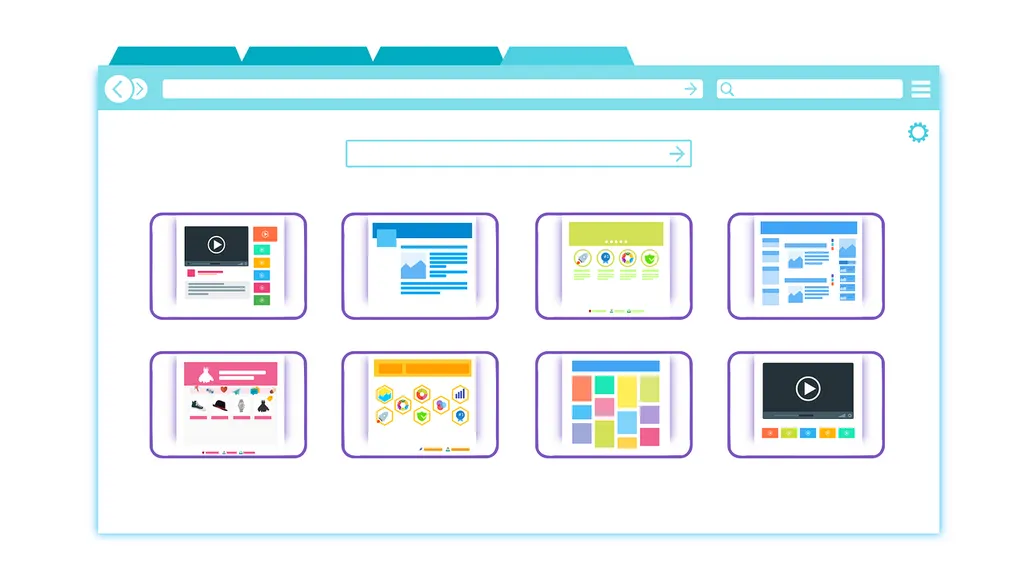 Internet BrowsersThe Basics of Browser Extensions ExplainedSeptember 12, 2022
 Product ReviewsThe Top Back to School Gifts for StudentsAugust 8, 2022
 Internet BrowsersHow to Speed up Your Browser on a Desktop or Laptop ComputerAugust 8, 2022
 Internet Safety and Security6 Signs of a Reputable Source of Information while Browsing OnlineAugust 1, 2022
 Smartphones, Mobile Devices and AppsNon-Digital Natives: How to Download Music, Podcasts and Audiobooks Directly to Your SmartphoneJuly 18, 2022
 Aging In PlaceVirtual Retirement Communities: What They Are and How to Join or Set Up One SafelyJuly 11, 2022
 Other Tech Tips and How-TosHow to Simply (and Safely) Back Up Your Google AccountJuly 5, 2022
 Email How-To's and TroubleshootingThe Latest Google Account and Password Recovery OptionsJune 29, 2022
 Aging In PlaceTech Tips for Seniors: 6 of the Best Websites to Learn Basic Internet and Computer SkillsJune 20, 2022
 Social MediaHow-To for Seniors: Set Up an Instagram Account and Keep Your Account PrivateJune 13, 2022
 Internet Of Things (IoT)What Is Web 3.0: Pros and ConsJune 7, 2022
 Smartphones, Mobile Devices and AppsHow to Factory Reset Your iPhone (and 5 Reasons You'd Want to Do It)June 1, 2022
 Other Tech Tips and How-Tos6 Apps for Remembering Important Things and Organizing Your LifeMay 27, 2022
 Aging In PlaceHelpCloud's (Latest) Top-5 Recommendations for Aging In PlaceMay 16, 2022
 Aging In Place5 of the Best Online Learning Platforms for Seniors (and Why Each Is Awesome)May 9, 2022
 Product Reviews6 Free Computer Games Recommended for Non-Digital NativesMay 2, 2022
 Other Tech Tips and How-Tos5 Tips for Creating and Maintaining Photo Albums On Your ComputerApril 25, 2022
 Technology ServicesHelpCloud Celebrates 10 Years!April 20, 2022
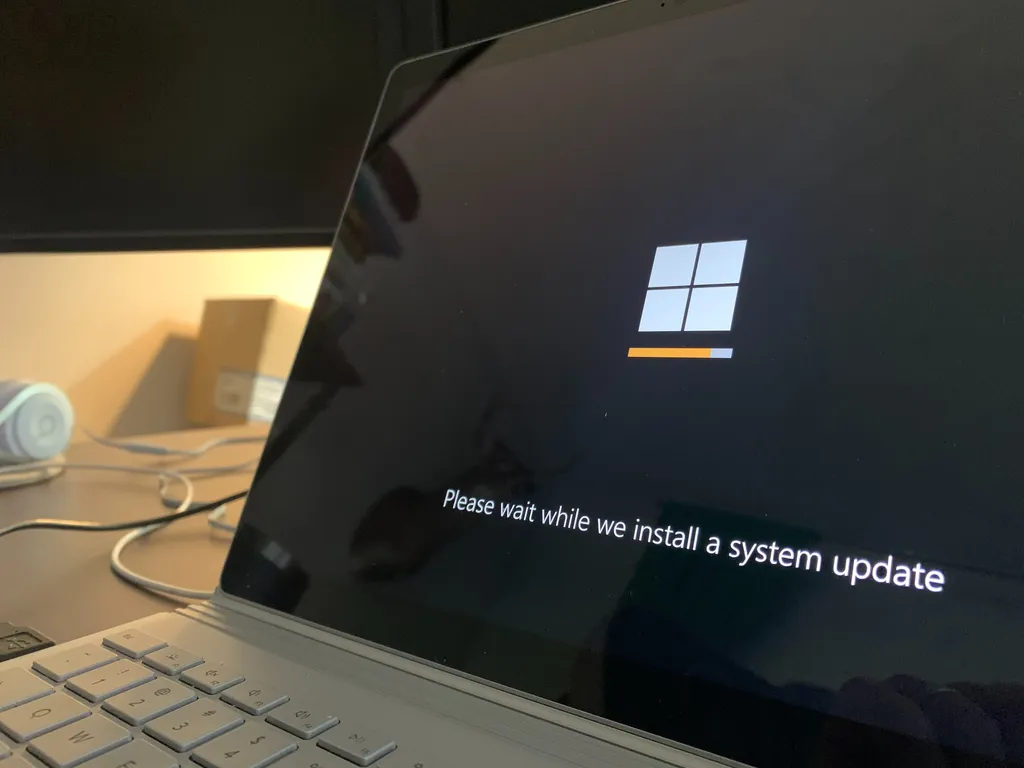 Operating SystemsWindows 11: How to Install with USB Drive or Update from your SettingsApril 11, 2022
 Smartphones, Mobile Devices and AppsThe Basics of File Management Part 2: How to Keep Your Smartphone OrganizedApril 4, 2022
 Other Tech Tips and How-TosThe Basics of File Management Part 1: How to Keep Your Computer OrganizedMarch 29, 2022
 Internet Safety and Security5 of the Most Common VPN Issues and their FixesMarch 21, 2022
 Aging In PlaceSeniors: 7 Tips for Quickly Improving Your Typing SkillsMarch 15, 2022
 Operating SystemsHow to Set Up (and Use) macOS Universal ControlMarch 1, 2022
 Operating Systems7 Simple Tips for Organizing and Personalizing Your DesktopFebruary 22, 2022
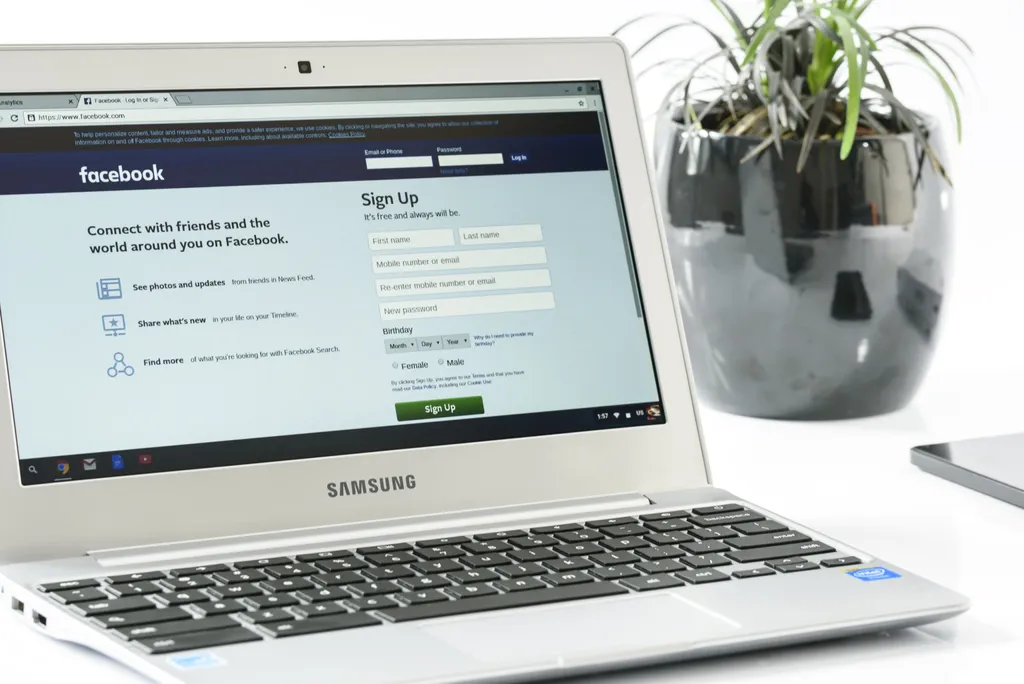 Social MediaHow to Easily Recover Your Facebook Account or PasswordFebruary 14, 2022
 Product ReviewsThe New Logitech Flow: Taking a Closer Look at Logi Options+ BetaFebruary 7, 2022
 Hardware and Software Issues and Resolutions7 Tried-and-True Ways to Clean Up and Organize Your Windows PCJanuary 25, 2022
 Product ReviewsThe NETGEAR Insight WAX630 Access Point: Full Setup and ReviewJanuary 18, 2022
 Internet Safety and SecurityApps, Hackers and Businesses Use Your Devices and Networks to Cryptomine: How to Stop CryptojackingJanuary 12, 2022
 Technology ServicesHelpCloud 2021 Year in ReviewJanuary 7, 2022
 Other Tech Tips and How-Tos10 Must-Know Microsoft Excel Functions for an Improved User ExperienceDecember 21, 2021
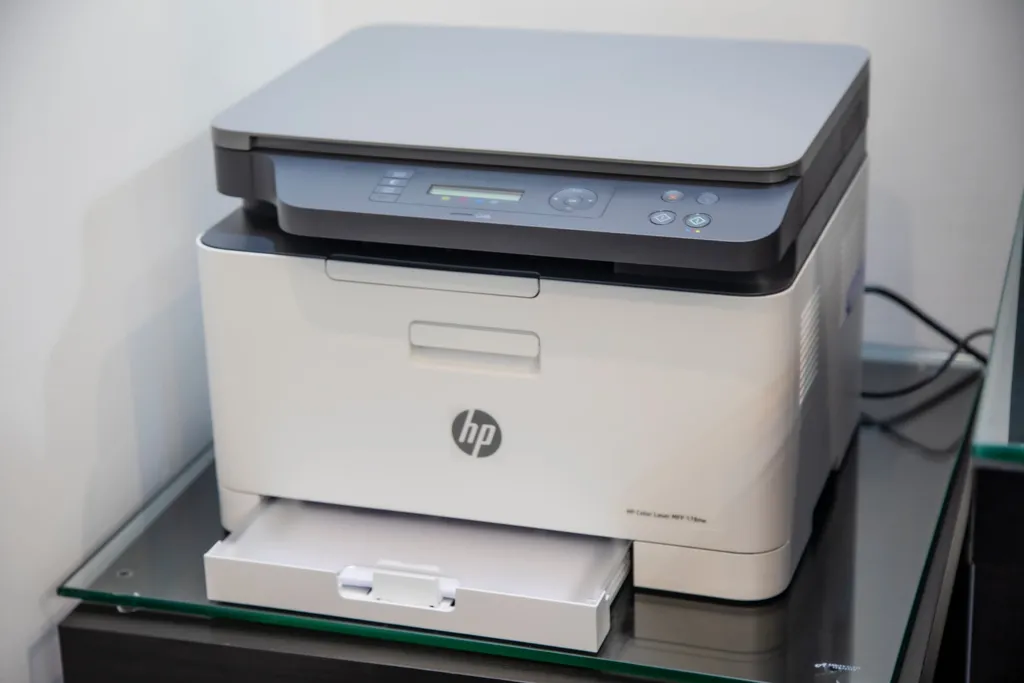 Aging In Place5 Scanner Issues and Resolutions ExplainedDecember 15, 2021
 Other Tech Tips and How-TosThe Best Tech Hacks to Seriously Simplify Your Holiday SeasonDecember 6, 2021
 Aging In PlaceSenior Citizens: The 5 Most Common File Types You Need to Know AboutNovember 23, 2021
 Aging In Place10 Computer Terms All Seniors Need to Know to Become More ConfidentNovember 15, 2021
 Internet Safety and SecurityHow to Shop Safely Online This Holiday Season (and Keep All Personal Data Private In the Process)November 8, 2021
 Internet BrowsersHow to Clear Your Cache and Cookies (and Why It’s Important to Regularly Do So)October 25, 2021
 Wi-Fi Device Troubleshooting and ResolutionsSlow Wi-Fi? Try These 5 Quick Fixes to Speed Things UpOctober 18, 2021
 Operating SystemsBe Patient: Why Now’s (Really) Not a Good Time to Update to Windows 11October 11, 2021
 Other Tech Tips and How-TosHow to Best Take Care of Your Eyes While Using MonitorsOctober 4, 2021
 Operating SystemsHow to Customize Your Windows 10 TaskbarSeptember 27, 2021
 Internet BrowsersHow to Use Every Major Browser’s Native Password ManagerSeptember 20, 2021
 Email How-To's and TroubleshootingHow to Block Tracking Pixels and Automatic Downloads Within All Major Email ProvidersSeptember 13, 2021
 Operating SystemsHow to Make Your Mac Start FasterSeptember 7, 2021
 Aging In PlaceBe Prepared: How to Set Up Smart Devices to Help With At-Home EmergenciesAugust 30, 2021
 Device InstallationHow to Install Key Wireless Bluetooth Devices On Your Desktop Computer without HassleAugust 23, 2021
 Other Tech Tips and How-TosThe Basics of Google Account Management (Everything You Need to Know to Be Confident)August 16, 2021
 Hardware and Software Issues and Resolutions5 of the Most Common User Issues with Logitech Flow (and a Solution for Each One)August 9, 2021
 Internet Safety and SecurityHow to Change Your DNS Server (and Why Now’s the Time to Do It)August 2, 2021
 Other Tech Tips and How-Tos7 Things All Seniors Must Know About Google Docs (to Make Life Easier)July 26, 2021
 Operating SystemsWindows 11: What It Is and 5 Can’t-Miss Features to Immediately Check OutJuly 19, 2021
 Operating SystemsThe Top 10 Most Helpful macOS Keyboard ShortcutsJuly 12, 2021
 Operating SystemsThe Top 10 Most Helpful Windows OS Keyboard ShortcutsJuly 6, 2021
 Internet Browsers6 Simple Tips for Using Your Browser More EffectivelyJune 28, 2021
 Operating Systems6 Quick Ways to Free Up Space On Your Windows OS ComputerJune 21, 2021
 Email How-To's and TroubleshootingComcast’s New Email Activity Policy: What It Is and How to Avoid Deactivation (and How to Reactivate a Comcast.net Email)June 7, 2021
 Internet BrowsersHow to Turn Off Form Autofill Information within Each of the Internet’s Biggest BrowsersMay 24, 2021
 Product Reviews5 of the Best Live-Streaming TV Services Available (and How to Simply Set Up Each)May 18, 2021
 Smartphones, Mobile Devices and AppsHow to Set Up a VPN On Your Smartphone (Plus, Why You Need One In the First Place)May 17, 2021
 Operating SystemsPeace of Mind: How to Make Your Windows 10 Computer More Safe and SecureMay 3, 2021
 Other Tech Tips and How-Tos5 Proven Tips for Telling Whether or Not a Website Is Safe to UseApril 26, 2021
 Smart Device Info and TroubleshootingHow to Secure Your Ring Doorbell to Ensure Privacy (and Protect Your Personal Data)April 19, 2021
 Hardware and Software Issues and ResolutionsHow to Recover Mobile Data From Your Smartphone (Android and iPhone) Using RecoveritApril 12, 2021
 Hardware and Software Issues and ResolutionsHow to Quickly Recover Lost Data On Mac and Windows Using RecoveritApril 5, 2021
 Operating SystemsHow to Back Up and Restore Your ComputerMarch 29, 2021
 Other Tech Tips and How-TosNon-Digital Natives: 7 Sure-Fire Tips for Improving Your Typing AbilityMarch 22, 2021
 Operating SystemsWindows Timeline: What It Is and How to Use It (and How to Disable It, as Well)March 15, 2021
 Product ReviewsThe DJI FPV Drone: An Inside Look at the Drone Set to ‘Redefine Flying’March 9, 2021
 Internet BrowsersWhy You Should Use DuckDuckGo over Google (including how to set DuckDuckGo as your default search engine on each browser)March 1, 2021
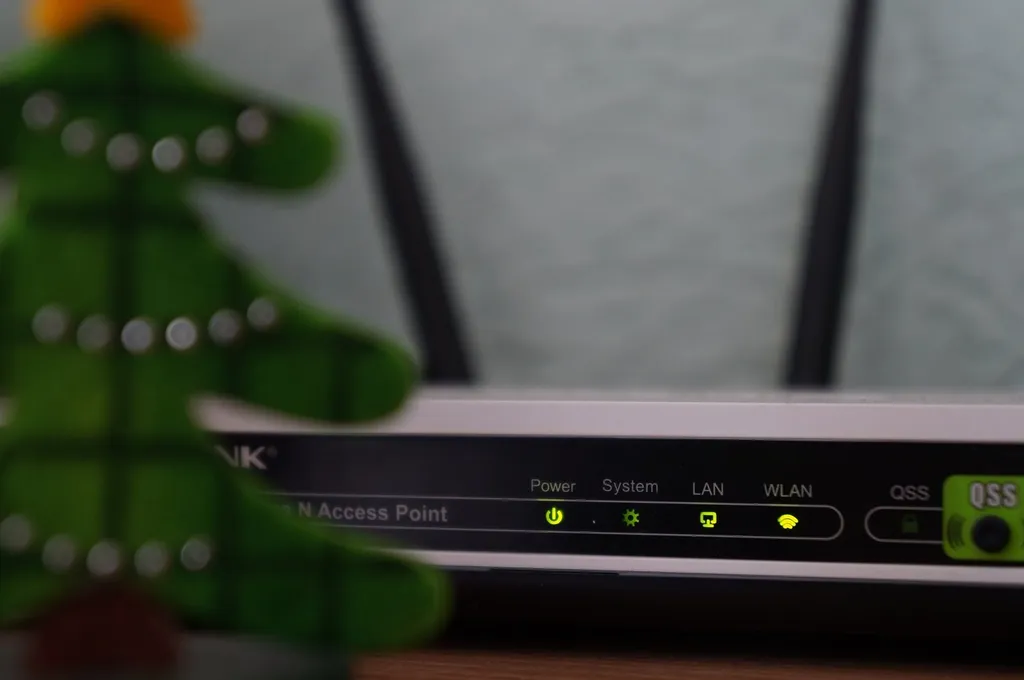 Product Reviews5 of the Best Mesh Wi-Fi Routers Money Can BuyFebruary 22, 2021
 Other Tech Tips and How-Tos6 Simple Steps to Keep Your Passwords Organized and On-HandFebruary 15, 2021
 Other Tech Tips and How-Tos7 of the Most Exciting Technological Innovations of 2021February 8, 2021
 Other Tech Tips and How-TosChoosing, Customizing, and Setting your Windows 10 Wallpaper (including on multiple monitors)February 1, 2021
 Smartphones, Mobile Devices and AppsHow to Safely Download and Update Apps From the Apple App Store and Google PlayJanuary 25, 2021
 Social MediaDiscussing Disinformation AGAIN: Revisiting How to Spot Fake NewsJanuary 18, 2021
 Email How-To's and TroubleshootingHow to Create a New Gmail Account, How to Use Your Gmail Account, and How to Recover Your Google AccountJanuary 11, 2021
 Technology ServicesHelpCloud’s 2020 in ReviewDecember 28, 2020
 Internet BrowsersHow to Update Google Chrome (and Why You Should Keep Things Up-to-Date)December 23, 2020
 Internet Safety and SecurityRevisited: How to Best Protect Your Personal, Private, and Financial Information This 2020 Holiday SeasonDecember 7, 2020
 Hardware and Software Issues and ResolutionsWebcams: Basic Security and Troubleshooting 101November 30, 2020
 Other Tech Tips and How-TosVirtual Dinner Parties: How to Host Them (and How to Be a Good Guest, too)November 24, 2020
 Hardware and Software Issues and ResolutionsHow to Fix the Most Common (and Frustrating) Microphone and Headset IssuesNovember 23, 2020
 Other Tech Tips and How-TosHow to Set Up Your Home to Celebrate the Holidays Remotely with Family and FriendsNovember 2, 2020
 Other Tech Tips and How-TosSeven of the Best Shopping Cart Coupon Extensions (Just in Time for the Holiday Season)October 26, 2020
 Internet Safety and SecurityTwo-Factor Authentication: What It Is, Why It Matters, and How to Get StartedOctober 20, 2020
 Email How-To's and TroubleshootingHow to Safely Identify, Download, and View an Email AttachmentOctober 13, 2020
 Operating SystemsMac Software Updates: What They Are, Why They Matter, and How to Make Them HappenOctober 5, 2020
 Product ReviewsTaking a Hard Look at the GoPro HERO9 Black (and the GoPro Subscription, as well)September 28, 2020
 Internet Safety and Security5 New COVID-19 Pandemic-Driven Scams to Avoid This Upcoming Holiday SeasonSeptember 21, 2020
 Product ReviewsThe Nvidia GeForce RTX 30 Series: Will It Soon Become the Standard for Gaming GPUs?September 14, 2020
 Product ReviewsThe DJI Osmo Pocket vs. Feiyu Pocket: What’s the Better Deal?September 9, 2020
 Wi-Fi Device Troubleshooting and ResolutionsHow to Set Up a Wi-Fi Extender for the Best Possible SignalSeptember 2, 2020
 Wi-Fi Device Troubleshooting and ResolutionsHow to Set Up a NETGEAR Wi-Fi ExtenderAugust 27, 2020
 Internet BrowsersHow to Save Passwords On 5 of the Internet’s Biggest Web BrowsersAugust 24, 2020
 Operating SystemsmacOS Parental Controls Explained and How-to Set Them UpAugust 11, 2020
 Smartphones, Mobile Devices and Apps5 of the Easiest (and Most Effective) Ways to Free Up Space On Your iPhoneAugust 7, 2020
 Smartphones, Mobile Devices and Apps5 Super Simple Ways to Free Up More Space On Your Android SmartphoneAugust 6, 2020
 Internet BrowsersThe Top 5 Browsers (and why) for Senior CitizensAugust 3, 2020
 Smartphones, Mobile Devices and AppsHow to Best Prolong the Life of Your SmartphoneJuly 31, 2020
 Internet Browsers6 Search Engine Tips when Using Google ChromeJuly 30, 2020
 Internet Safety and SecurityThe Costco Scam: What It Looks Like and How to Respond (Even If You’ve Fallen Victim)July 9, 2020
 Other Tech Tips and How-TosHow to Connect Your Laptop (or Tablet) to Your TelevisionJune 5, 2020
 Operating SystemsHow to Best Take Full Advantage of Windows 10 Backup and Recovery ToolsMay 26, 2020
 Product ReviewsThe DJI Osmo Pocket: Is it Still Worth it in 2020?May 18, 2020
 Smart Device Info and TroubleshootingEverything You Need to Know About the DJI Mavic Air 2May 11, 2020
 Internet Of Things (IoT)Ambient Computing: What It Is, Why It Matters and How It’ll Make Your Life EasierMay 4, 2020
 Smartphones, Mobile Devices and AppsHow to Fix the Most Common Video Chat Problems On Smartphone AppsApril 20, 2020
 Other Tech Tips and How-TosHow to Safely Purchase Groceries Online During the COVID-19 PandemicApril 6, 2020
 Technology ServicesHow to Use Remote Connect to Provide Basic Remote Tech Support: Connect Remotely to Help Relatives and NeighborsApril 2, 2020
 Technology ServicesHow to Best Use Remote Tech Support During Self-Isolation or QuarantineMarch 30, 2020
 Other Tech Tips and How-TosHow to Buy Groceries and Meals OnlineMarch 24, 2020
 Technology ServicesiDrive: What It Is, What It’s Used for and How to Set It UpMarch 23, 2020
 Smartphones, Mobile Devices and AppsHow to Safely Download and Use Apps (While Keeping Your Personal Data Private)March 16, 2020
 Smart Home Hubs5 Tips n’ Tricks You Can Do with the Google Home MiniMarch 9, 2020
 Other Tech Tips and How-TosiCloud: How to Connect, Use, and Common TroubleshootingMarch 6, 2020
 Internet Safety and SecurityHow to Delete All of Google and Facebook’s Stored Data (Without Deleting Your Accounts)February 24, 2020
 Smart Home HubsGoogle Home: How to Set It Up, Use It and Deal With Any Potential Issues (All While Keeping Private Conversations Safe)February 18, 2020
 Internet Safety and SecuritySmishing: What It Is and What You Need to Know About It to Keep Yourself SafeFebruary 18, 2020
 Other Tech Tips and How-TosHow to Take Screenshots On Your iPhone, Android, Mac, Windows PC, and ChromebookFebruary 3, 2020
 Operating SystemsWindows 7 End of Life Info: Microsoft will no Longer Support It; Here’s What to ExpectJanuary 27, 2020
 Other Tech Tips and How-TosHow to Set Up, Configure and Use Logitech Flow In Your Own HomeJanuary 17, 2020
 Operating Systems4 Simple (and Effective) Ways to Back Up Your MacJanuary 10, 2020
 Social MediaHow to Completely Protect (and Make Private) Your Favorite Social Media AccountsDecember 30, 2019
 Operating SystemsHow to Delete or Recover Deleted Files On Windows 10December 26, 2019
 Technology ServicesHelpCloud’s 2019 in ReviewDecember 18, 2019
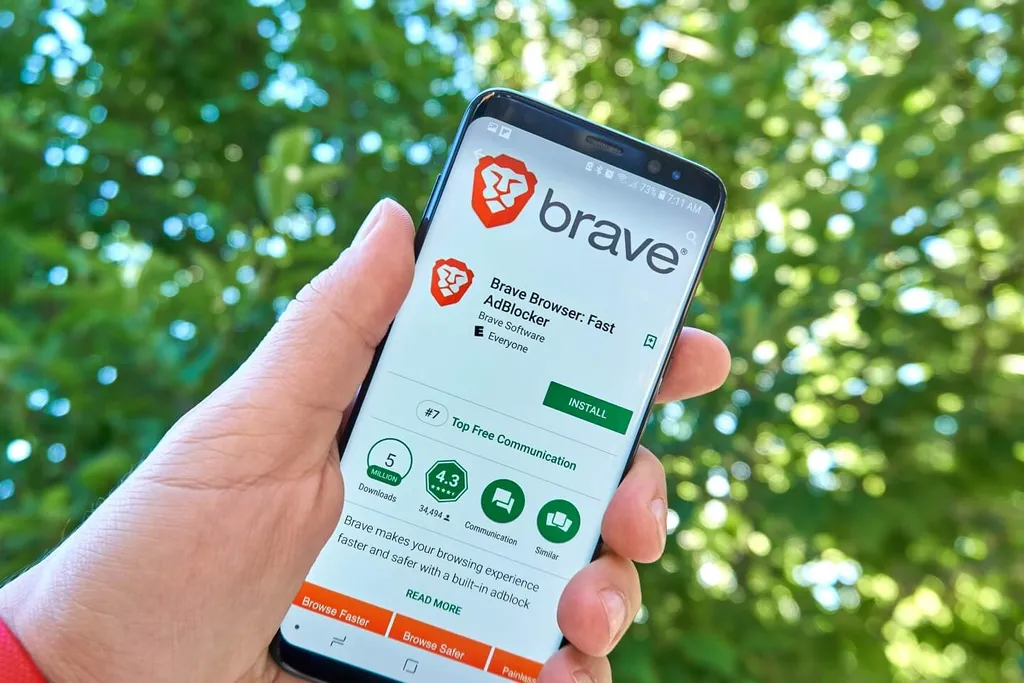 Internet BrowsersTaking a Closer Look at the New Brave Browser (and How It Compares to Chrome and Firefox)December 16, 2019
 Internet Safety and SecurityWhat Is the Contract for the Web?December 9, 2019
 Product ReviewsA HelpCloud Review: The GoPro Hero 8 vs. the GoPro MAXDecember 2, 2019
 Other Tech Tips and How-TosHow to Set Up (or Cancel) a Popular Online Streaming Service for Your HomeNovember 26, 2019
 Hardware and Software Issues and ResolutionsHow to Tell If Your Windows 10 Computer Has a VirusNovember 18, 2019
 Other Tech Tips and How-TosHow the Visually-Impaired Can More Clearly (and Enjoyably) Use Their ScreensNovember 11, 2019
 Other Tech Tips and How-Tos10 Simple Tricks for Effectively Surfing the WebNovember 4, 2019
 Other Tech Tips and How-TosThe Beginner’s Guide to Building a Gaming PCOctober 28, 2019
 Smart Home HubsHow to Simply Create Alexa RoutinesOctober 7, 2019
 Internet Of Things (IoT)How to Create an Energy Efficient Environment for Your Smart HomeSeptember 30, 2019
 Technology ServicesThe Right to Repair ElectronicsSeptember 26, 2019
 Internet BrowsersEverything You Need to Know About the New Mozilla Firefox Private Network ExtensionSeptember 24, 2019
 Smartphones, Mobile Devices and AppsHow to Donate (or Recycle) Your Samsung or iPhone SmartphoneSeptember 16, 2019
 Internet Safety and SecurityGoogle Calendar Spam Events: What They Are and How to Block Them — PermanentlySeptember 9, 2019
 Smart Home Safety and SecurityHow to Block Siri, Alexa and Google Assistant from Recording, Logging and Analyzing Your ConversationsSeptember 3, 2019
 Internet Safety and SecurityThe Capital One Data Breach: What It Is, Who It Impacts, and What to Do About ItAugust 26, 2019
 Smart Home HubsHow to Setup, Connect, and Use Amazon Alexa with the SmartThings Hub for All Your Smart DevicesAugust 16, 2019
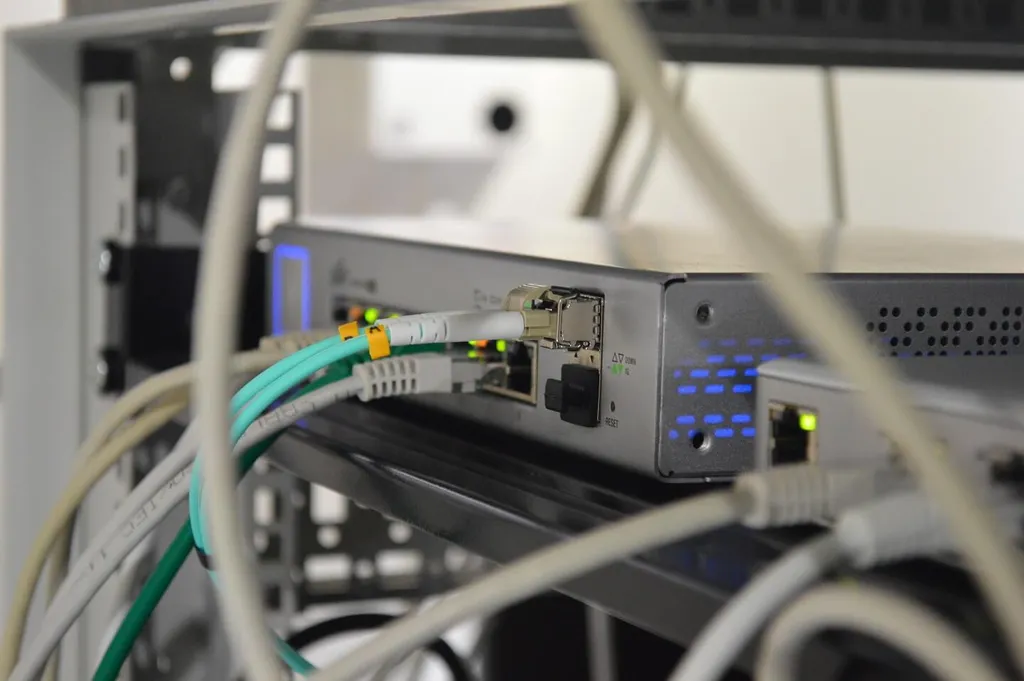 Wi-Fi Device Troubleshooting and ResolutionsRebooting vs. Resetting Your Router: The Differences Between the Two and When to Use Each OptionAugust 8, 2019
 Social MediaHow to Setup and Maintain a Secure Facebook AccountAugust 5, 2019
 Smart Home HubsHow to Connect Alexa to the Smart Devices In Your HomeJuly 29, 2019
 Smart Device Info and TroubleshootingThe Nest Learning Thermostat: A Review, Common User Issues and How to Handle ThemJuly 22, 2019
 Technology ServicesGetting Started with HostGator and How To Install a WordPress Website on HostGatorJuly 19, 2019
 Operating SystemsHow to Customize Your Windows 10 Appearance and ThemesJuly 15, 2019
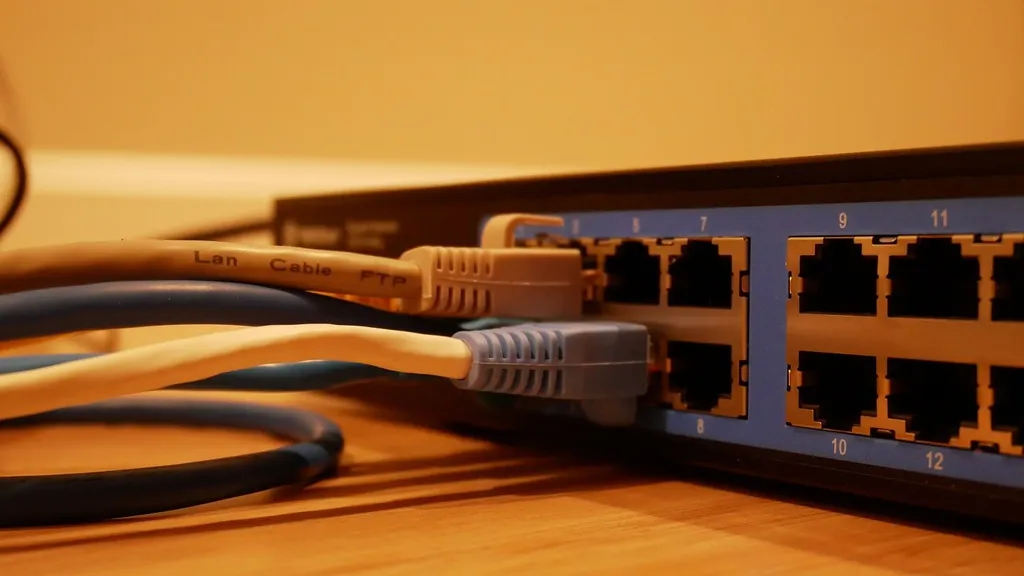 Wi-Fi Device Troubleshooting and ResolutionsThe Must-Know Differences Between a WiFi Booster, WiFi Extender and WiFi RepeaterJuly 5, 2019
 Smart Device Info and TroubleshootingWhy Video Doorbells Make for an Excellent Investment (and Which Ones Are Most Secure)June 28, 2019
 Operating SystemsmacOS and Windows 10: How to See Which Apps Are Using Your Mic and CameraJune 24, 2019
 Product ReviewsAMD vs. Intel Processors: which is better?June 12, 2019
 Smartphones, Mobile Devices and AppsHow to Use Adobe Premiere Rush on Your SmartphoneJune 6, 2019
 Operating SystemsHow to Recover, Restore and Reinstall Your macOSMay 31, 2019
 Operating SystemsEverything You Need to Know About the Latest Windows 10 UpdateMay 28, 2019
 Smart Device Info and TroubleshootingHow to Quickly and Simply Resolve the Top 5 Amazon Echo User IssuesMay 16, 2019
 Hardware and Software Issues and Resolutions5 of the Most Common Scanner Issues and How to Fix ThemMay 8, 2019
 Smartphones, Mobile Devices and Apps3 Ways to Transfer (or Sync) Your iPhone Media Files to Your MacMay 2, 2019
 Email How-To's and TroubleshootingHow to Use Mozilla Thunderbird Mail ClientApril 26, 2019
 Operating SystemsHow to Setup Your Personal User Account (and Personalize Your PC) for Windows 10April 19, 2019
 Smartphones, Mobile Devices and AppsThe Samsung Galaxy S9: The Most Common User Issues and How to Fix ThemApril 8, 2019
 Smartphones, Mobile Devices and AppsHow to See Android Apps That Track Location and How to Deactivate the PermissionApril 2, 2019
 Smartphones, Mobile Devices and AppsHow to See iPhone Apps That Track Location and How to Deactivate the PermissionMarch 26, 2019
 Email How-To's and TroubleshootingHow (and When) to Block, Report, Unsubscribe and ‘Mark as Spam’ an Email in GmailMarch 19, 2019
 Social MediaHow to Salvage (and Save) Digital Copies of Old PhotosMarch 8, 2019
 Smartphones, Mobile Devices and AppsHow to Setup Email on Your Android SmartphoneMarch 6, 2019
 Smartphones, Mobile Devices and AppsHow to Remove a Virus or Malware from Your Android SmartphoneFebruary 28, 2019
 Smartphones, Mobile Devices and AppsHow to Remove a Virus or Malware From Your iPhoneFebruary 13, 2019
 Smartphones, Mobile Devices and AppsHow to Transfer Pictures From iPhone to Windows OS and MacOSFebruary 8, 2019
 Smart Home Safety and SecurityResolution’s Helix Wireless Security PanelJanuary 31, 2019
 Smartphones, Mobile Devices and AppsHow to Download, Setup and Use Apple MailJanuary 29, 2019
 Operating SystemsComing to Fully Understand the Microsoft Windows 10 Startup ProcessJanuary 28, 2019
 Smart Home Security SystemsThe DSC iotegaJanuary 28, 2019
 Smart Home Security SystemsThe 2GIG GC2January 28, 2019
 Internet Safety and SecurityIs the Internet Due for a Change?January 28, 2019
 Technology Services5 Big-Time Advantages of Having an On-Call Technician Visit Your HomeNovember 22, 2018
 Smartphones, Mobile Devices and Apps6 of the Most Common iPhone Questions and Answers for SeniorsNovember 16, 2018
 Aging In PlaceUnderstanding the Aging In Place RevolutionNovember 7, 2018
 Aging In Place7 of the Best Smart Devices for Health-Conscious Senior CitizensNovember 2, 2018
 Smart Home Hubs7 of the Best Smart Home Automation Hubs and ControllersOctober 30, 2018
 Technology ServicesHelpCloud Partners With Webroot SecureAnywhere®October 23, 2018
 Internet Of Things (IoT)What Cybersecurity Experts Really Think of the IoT, Smart Devices and Smart HomesOctober 17, 2018
 Smart Home Safety and SecurityHow to Best Organize Your Smart HomeOctober 12, 2018
 Aging In Place7 of the Best IoT Devices for Senior CitizensOctober 6, 2018
 Social MediaHow to Identify Disinformation (Especially During Election Season)October 1, 2018
 Aging In Place3 of the Best-Selling Medical Alert Devices and How to Fix Their Most Common IssuesSeptember 25, 2018
 Smart Home Safety and Security5 of the Most Popular Smart Devices With Well-Known Security FlawsSeptember 18, 2018
 Hardware and Software Issues and Resolutions5 Printers to Consider for Your Home and How to Fix Their Most Common ProblemsSeptember 11, 2018
 Internet Safety and SecurityCyberbullying and Cyberstalking: How to Quickly Spot Problems and Safely RespondAugust 28, 2018
 Social MediaBack to School: 8 Tips for Battling Screen Time and Digital Addiction This YearAugust 21, 2018
 Product Reviews7 of the Best Back to School Devices for Your Children or GrandchildrenAugust 14, 2018
 Social MediaHow to Understand What the Kids Are Saying On Social MediaJuly 28, 2018
Aging In PlaceWhy Would I Want a Membership with a Technical Support Company?July 21, 2018
 Hardware and Software Issues and ResolutionsHow to Keep Your Computer Healthy, Happy and Running SmoothlyJuly 14, 2018
 Operating SystemsHow to Effectively and Intelligently Organize Files On Your MacJuly 7, 2018
 Internet Safety and SecurityArticle 13 — A Bad Idea: The EU is Trying to Reinvent the WheelJune 29, 2018
 Smart Device Info and TroubleshootingApple TV: What It Is and How to Connect and Use ItJune 20, 2018
 Internet Safety and SecurityGDPR: A Critical BreakdownJune 13, 2018
 Operating SystemsHow to Best Organize Computer Files With Microsoft Windows OSJune 3, 2018
 Technology ServicesWhy Are Identity Theft Services So Important These Days?May 28, 2018
 Smart Device Info and TroubleshootingThinking About Upgrading to a Smart TV? Here’s How to Find the Best Deal OnlineMay 21, 2018
 Internet Safety and SecurityWhat Is the GDPR and What Does It Mean for People Living In the US?May 16, 2018
 Social MediaHow to Enjoy Facebook While Also Protecting Your Personal InformationMay 11, 2018
 Smart Device Info and TroubleshootingSmart TV – 6 Tips for Better Understanding and Using Your FlatscreenMay 8, 2018
 Social Media5 Tips to Ensure You Have a Positive Experience With Your New Facebook AccountMay 1, 2018
 Hardware and Software Issues and ResolutionsIs Your Internet Running Slowly? Here’s How to Quickly Fix Your Wi-Fi ConnectionApril 13, 2018
 Internet Safety and SecurityG Suite for Dummies: What You Should Be Using and How to Use ItApril 5, 2018
 Smartphones, Mobile Devices and AppsNew to Texting? Everything You Need to Know to Stay ConnectedMarch 30, 2018
 Smart Home Security SystemsHow to Fix or Avoid the Drawbacks of Smart Home SecurityMarch 23, 2018
 Email How-To's and TroubleshootingExede Email Login and Password Reset HelpMarch 20, 2018
 Smart Home Security SystemsSmart Home Security Components and Control Features ExplainedMarch 17, 2018
 Smart Home Safety and SecuritySmart Home Security: What It Is and Why You Should CareMarch 14, 2018
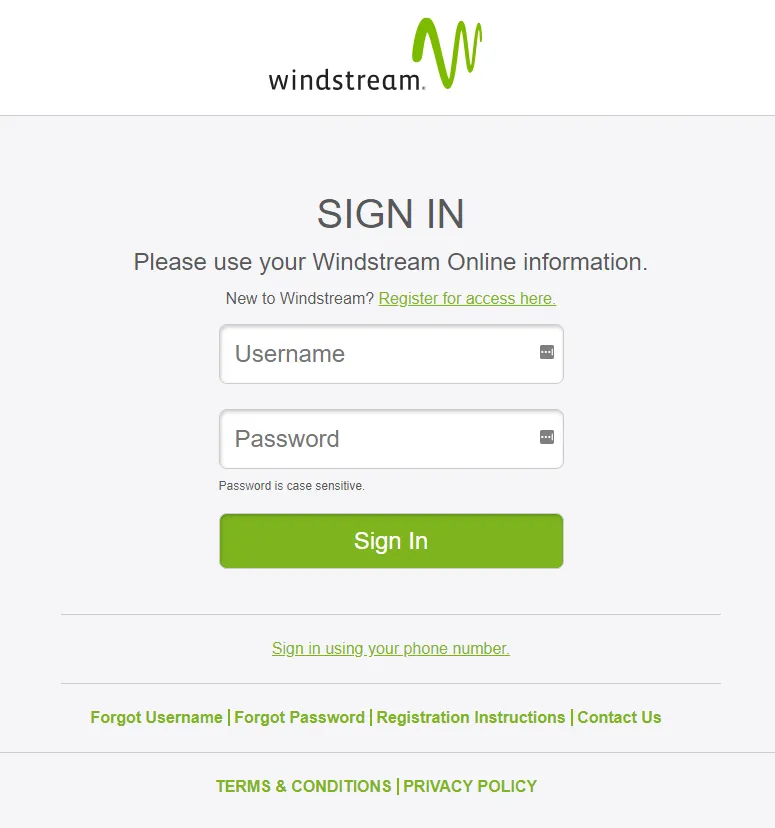 Email How-To's and TroubleshootingWindstream Email Login and Password Recovery and Reset HelpMarch 10, 2018
 Aging In PlaceSix Helpful Websites to Help Seniors Navigate With Confidence the World of ComputersMarch 6, 2018
 Aging In Place15 of the Best, Most Helpful Smartphone Apps for Senior CitizensFebruary 28, 2018
 Other Tech Tips and How-TosStress-Free, Step-by-Step Guide to Digitizing Your PhotosFebruary 22, 2018
 Email How-To's and TroubleshootingUsing Gmail to Write and Send Email Like a ProFebruary 10, 2018
 Smartphones, Mobile Devices and AppsHow to Become a Video Chat Troubleshooting Expert – Step by Step GuideFebruary 2, 2018
 Product ReviewsThe Undeniable Reason You Should Ditch Cable and Go WirelessJanuary 27, 2018
 Hardware and Software Issues and ResolutionsHow to Connect Your Computer’s Mouse, Keyboard and PrinterJanuary 21, 2018
 Operating SystemsHow To Decipher Real From Fake Operating System UpdatesJanuary 16, 2018
 Operating SystemsWindows 10 – How to Reboot In Safe ModeJanuary 5, 2018
 Internet Safety and SecurityHow to Stay Safe On Free Gaming WebsitesDecember 26, 2017
 Social MediaSocial Media Use – The Good, the Bad and the UglyDecember 1, 2017
 Smart Home Safety and SecurityInternet of Things – How to Protect Your Home DevicesNovember 23, 2017
 Internet Of Things (IoT)What Is the Internet of Things (IoT)?November 16, 2017
 Internet Safety and SecurityUnderstanding Firewalls and How they Protect Your Computer and DataNovember 10, 2017
 Internet Safety and SecurityThe Best Web Browser Extensions for Internet SecurityNovember 4, 2017
 Internet Safety and SecurityHow to Protect Yourself From the KRACK AttackOctober 30, 2017
 Email How-To's and TroubleshootingHow to Spot Fake and Spam Email and Avoid Phishing AttacksOctober 26, 2017
 Internet Safety and SecurityWhat Is Clickbait and How to Navigate It SecurelyOctober 21, 2017
 Internet Safety and SecurityHow to Spot Online Scams and FraudsOctober 13, 2017
 Internet Safety and Security8 Things to Know About Internet TrollsOctober 5, 2017
Aging In PlaceCCleaner Hack – 5 Must-Knows For Windows UsersSeptember 29, 2017
 Internet Safety and SecurityWhat is a VPN? Virtual Private Networks ExplainedSeptember 27, 2017
 Operating SystemsWhich Is Best? Mac vs Windows Operating SystemsSeptember 23, 2017
 Product Reviews3 Essential Questions Every Tablet Shopper Should AskSeptember 8, 2017
 Product ReviewsHow to Buy the Perfect Desktop ComputerSeptember 2, 2017
 Product ReviewsBuy a New Computer – Keep it Simple, Be ConfidentAugust 20, 2017
Aging In PlaceTechnical Support For Your Computer and Devices Saves You Time and MoneyAugust 16, 2017
 Internet Safety and SecurityThe Good and Bad of Pop-Up Blocker ExtensionsAugust 10, 2017
 Operating SystemsHow to Optimize Your Computer for Faster Startup and PerformanceAugust 4, 2017
 Internet Safety and SecurityFake News and Social Media – Three Key Questions to Ask YourselfJuly 28, 2017
Aging In PlaceIdentity Theft Protection Monitoring and Recovery ServicesJuly 23, 2017
Aging In PlaceIdentity Theft and Identity Fraud – How to Protect Your Personal Information OnlineJuly 11, 2017
Aging In Place1Password.com Password Manager – Download and Setup Visual TutorialJuly 7, 2017
 Email How-To's and TroubleshootingCable ONE email – Mail Login and Password Reset InstructionsJune 30, 2017
Aging In PlaceThe Smart Way to Backup Your Computer Hard DrivesJune 24, 2017
Aging In PlaceLastPass Password Manager – Download and Setup 5 Minute Visual GuideJune 11, 2017
Aging In PlaceOneLogin Data Breach – How to Secure Your DataJune 6, 2017
 Email How-To's and TroubleshootingSuddenlink Email Login Problems and Password ResetMay 31, 2017
 Email How-To's and Troubleshootingatt.net Email Login Problems and Password ResetMay 25, 2017
Aging In PlaceWannaCry Ransomware – Avoidance and Protection Bullet ListMay 17, 2017
 Email How-To's and TroubleshootingFrontier Mail Login Help and Password ResetMay 5, 2017
Aging In PlaceVerizon.net Email is Closing Down. Act Now to Keep Your Email AddressMay 3, 2017
 Email How-To's and TroubleshootingCharter.net (Spectrum) Email Login and Password Reset HelpApril 27, 2017
 Email How-To's and TroubleshootingYandex Mail Registration: Login and Password Recovery GuideApril 21, 2017
 Email How-To's and TroubleshootingGMX Mail – Sign Up, Email Login and Password Reset GuideApril 19, 2017
 Email How-To's and TroubleshootingZoho Mail Sign Up and Login GuideApril 14, 2017
 Email How-To's and TroubleshootingOutlook Webmail – How to Setup Outlook.com Email AddressApril 13, 2017
 Email How-To's and TroubleshootingCenturyLink.net Email Login GuideApril 7, 2017
 Email How-To's and TroubleshootingComcast.net Email Sign In, Xfinity Email Sign In. Password Reset Instructions.April 5, 2017
 Email How-To's and TroubleshootingHow to Create New Gmail AccountApril 4, 2017
Aging In PlacePassword Cracking – How Secure is the Password Protecting Your Data and Private Information?March 30, 2017
 Email How-To's and TroubleshootingYahoo Mail Login and Help With Sign In ProblemsFebruary 17, 2017
Aging In PlaceThe Top Antivirus Software ProgramsNovember 3, 2015
Aging In PlaceHow to Recognize and Avoid MalwareNovember 3, 2015
Aging In PlaceSurf Safely: Top 5 Mobile Security AppsNovember 3, 2015
Aging In PlaceThe Proper Care and Feeding of Your ComputerNovember 3, 2015
Aging In PlaceReplacing Your Old Computer? Here's What You Should KnowNovember 3, 2015
Aging In PlaceTap and Go? The Pros and Cons of Paying with Your PhoneNovember 3, 2015
Aging In PlaceSocial Media Safety: Keeping Your Information PrivateOctober 6, 2015
Aging In PlaceWhat’s Inside a Computer? The Simple AnswerSeptember 29, 2015